Paginated properly. Long tables break across pages with report-wide numbering and continuation handling.
A PorticoSoft product
Reports your developers can actually write.
A template is an ordinary HTML page — your CSS, your charting library, your fonts. Paragon binds JSON into it and returns the file that report was designed to produce, at exact fidelity.
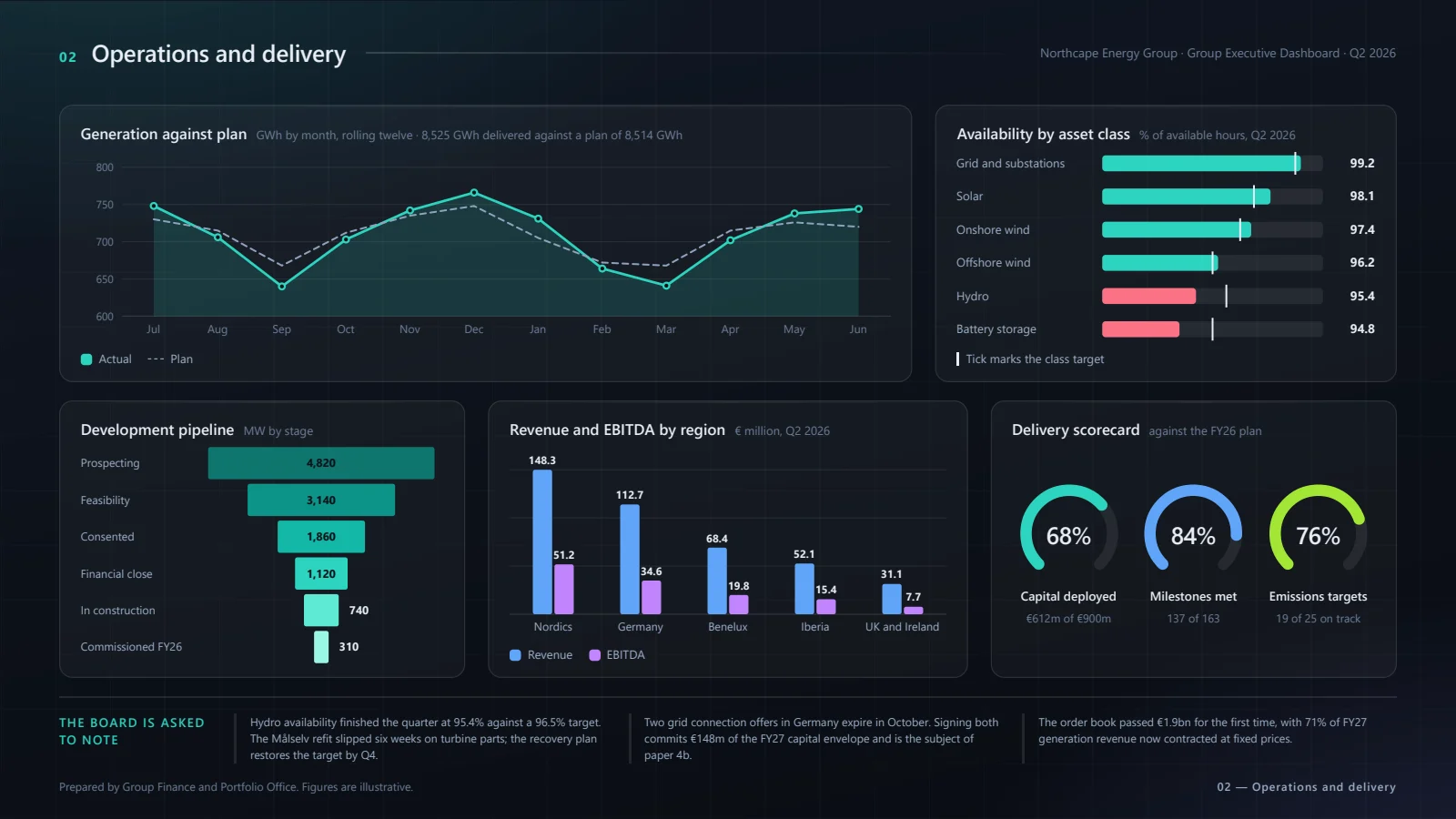
The deck on the right is real output: every chart on it is drawn in the page by the report's own code, and waited for. Open it from Examples and generate it yourself.
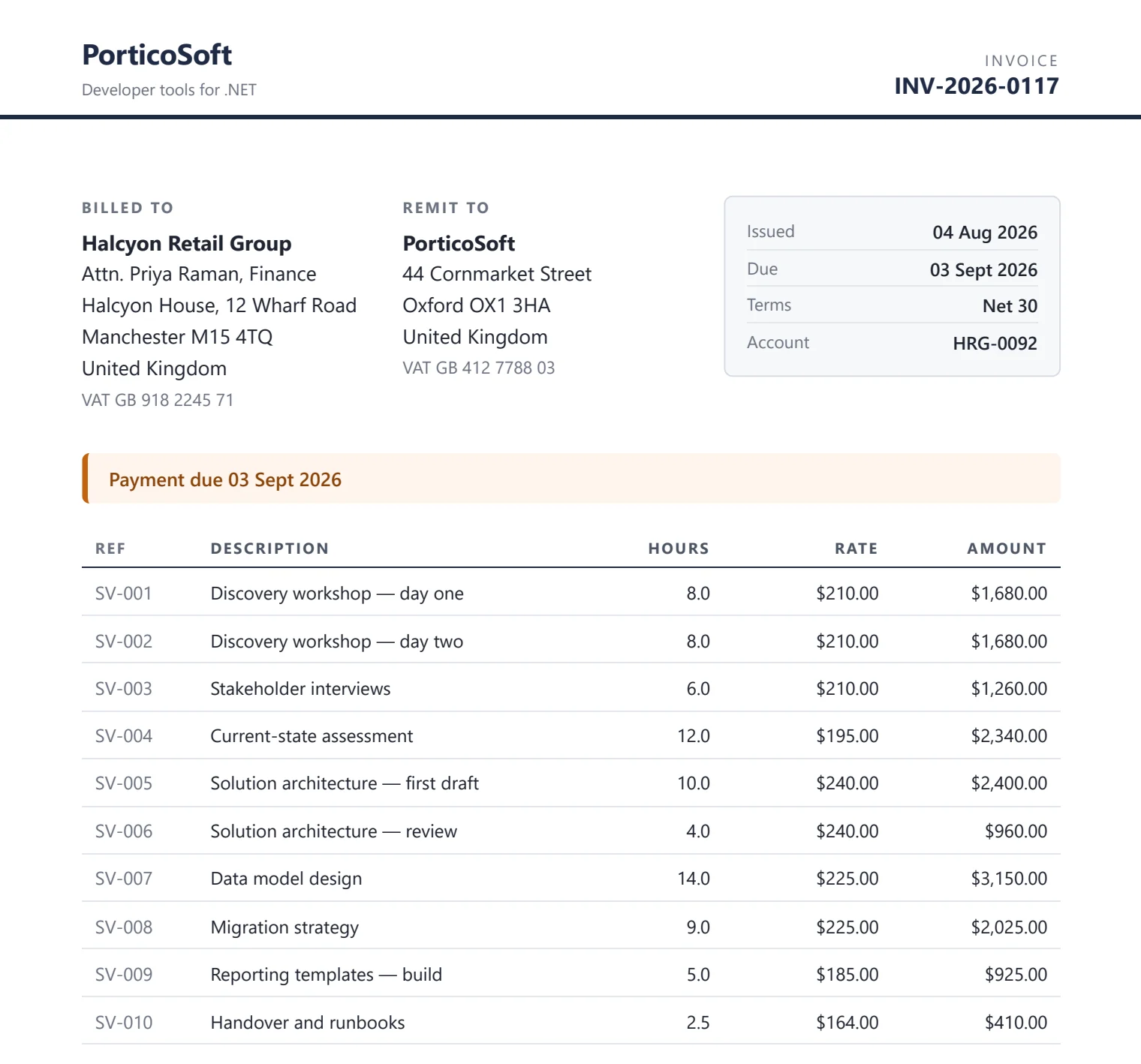
- PDF invoice
- DOCX letter
- PPTX deck
- XLSX workbook
The format belongs to the report.
A report records what it produces when it is designed. Your application asks for a report, not for a file type — so there is no format to pass, and no wrong one to pass.
Word
A real .docx, at the page size the report was authored against — not a PDF in a wrapper.
PowerPoint
One page to a slide, at the slide size the template was authored against.
Excel
Not a picture of a page. The report's tables arrive as real cells, ready to sort, filter and total.
Two ways to write one.
Some reports are a layout problem, and those are pages. Others already exist as a document somebody owns and maintains — and rebuilding one of those in HTML is work nobody asked for. So a template can be either, and the engine does not care which.
An HTML page
Your CSS, your charting library, your fonts. Precise layout, dashboards, anything visual — and the only route that can produce a PDF, a workbook, or all four formats from one template.
A real .docx or .pptx
Written in Word or PowerPoint by whoever writes it now, with {{ }}
placeholders typed into the text. Same bindings, same helpers, same loops. It
produces the file it was written in — and stays theirs to edit.
A loop repeats a table row, or a whole slide. Charts arrive as pages photographed into the document at the size of the picture they replace. Every marker is on one page of the docs, and the last three examples are the real files.
One call. No plumbing.
The consuming application keeps a folder of exported templates and calls one method. It never loads a template, resolves a path, or learns how the folder is laid out.
builder.Services.AddParagon(options =>
{
    options.RootPath    = "ParagonTemplates";
    options.LicensePath = "paragon.lic";
});

var report = await engine.GenerateAsync(
    "monthly-invoice", json, cancellationToken);

await File.WriteAllBytesAsync(
    report.FileName, report.Bytes, cancellationToken);
<table>
  <tbody>
    {{#each lines}}
    <tr class="{{#if isOverdue}}overdue{{/if}}">
      <td>{{description}}</td>
      <td>{{money amount "en-US"}}</td>
    </tr>
    {{/each}}
  </tbody>
</table>
What it handles
Word, PowerPoint and Excel, not only PDF
PDF, Word and PowerPoint are one render in three wrappers. Excel is no picture of a page at all — its tables become sheets of cells. Most tools in this space stop at PDF.
Word and PowerPoint as the template, not only the output
A report can be a real .docx or .pptx with bindings typed into it, so the team who owns the document keeps owning it. Same engine, same call, same folder.
Left-to-right and right-to-left
A report sets either way round properly, with the fonts carried inside it rather than assumed present on the server.
Real pagination
Long tables break across pages, with report-wide numbering and continuation handling.
Offline by construction
Every request a template makes outside its own asset folder is aborted, so generation never leaves the machine.
Charts that finish drawing
A template that draws asynchronously says so, and the engine waits for it rather than photographing a blank canvas.
Tamper-evident output
Integrity hashes over templates and assets, provenance stamped into every document, and schema-version checks that fail loudly.
Design it, then ship it
A developer writes the template in the designer that comes with the package, previews it against the real engine, and exports a folder. That folder is the whole contract.
Author the template
An HTML file with {{ }} bindings, its own CSS, fonts and scripts beside it — or a Word or PowerPoint file with the same bindings typed into it.
Export the folder
One folder per report, named after its code. Nothing to rename and nothing to arrange.
Call one method
Your application passes a code and a payload. There is no database and nothing to call at runtime.
Licensing Paragon
Per developer who authors. Unlimited deployment, and nothing counted or phoned home.